- After purchased the subscription, go to the My Products and Services page and click the one your just purchased.
- Check the server address, user name, and password that have been activated. This information will also be sent to your registered mailbox by email
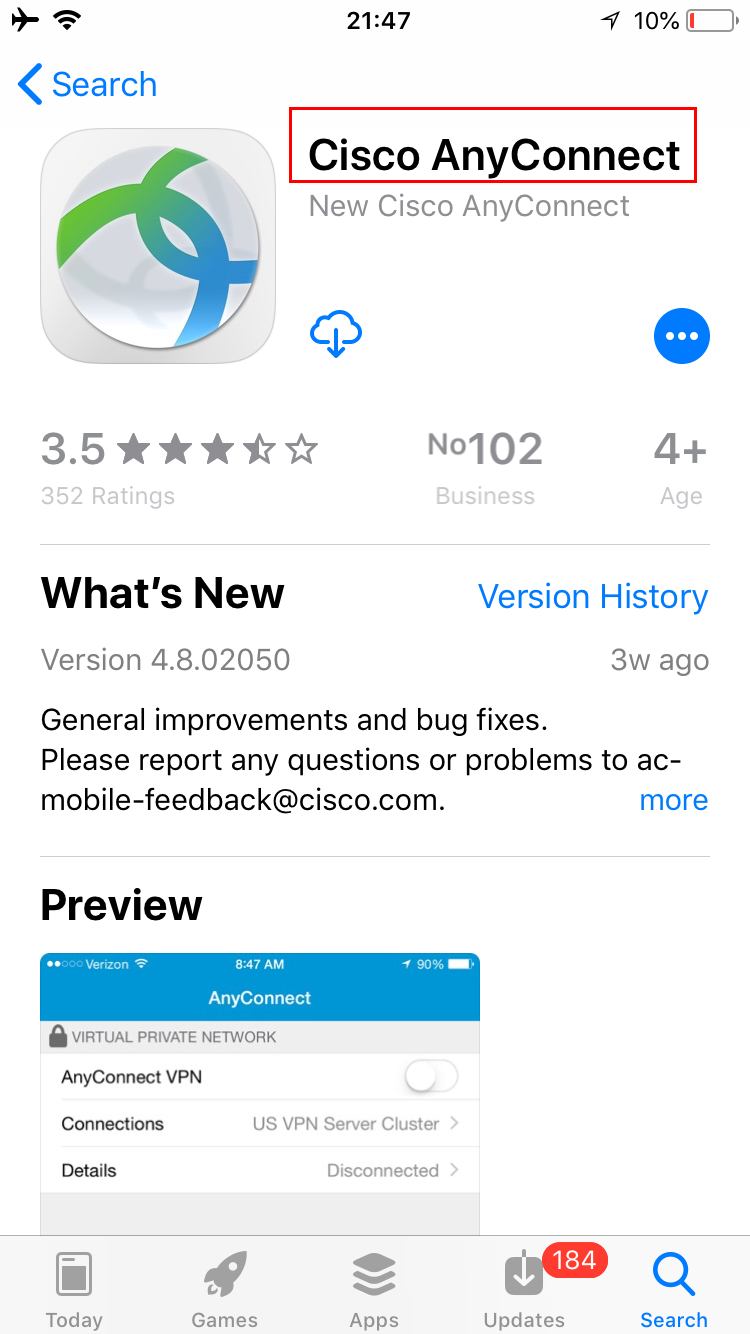
- Searching and download "Cisco Anyconnect" in Apple App Store.
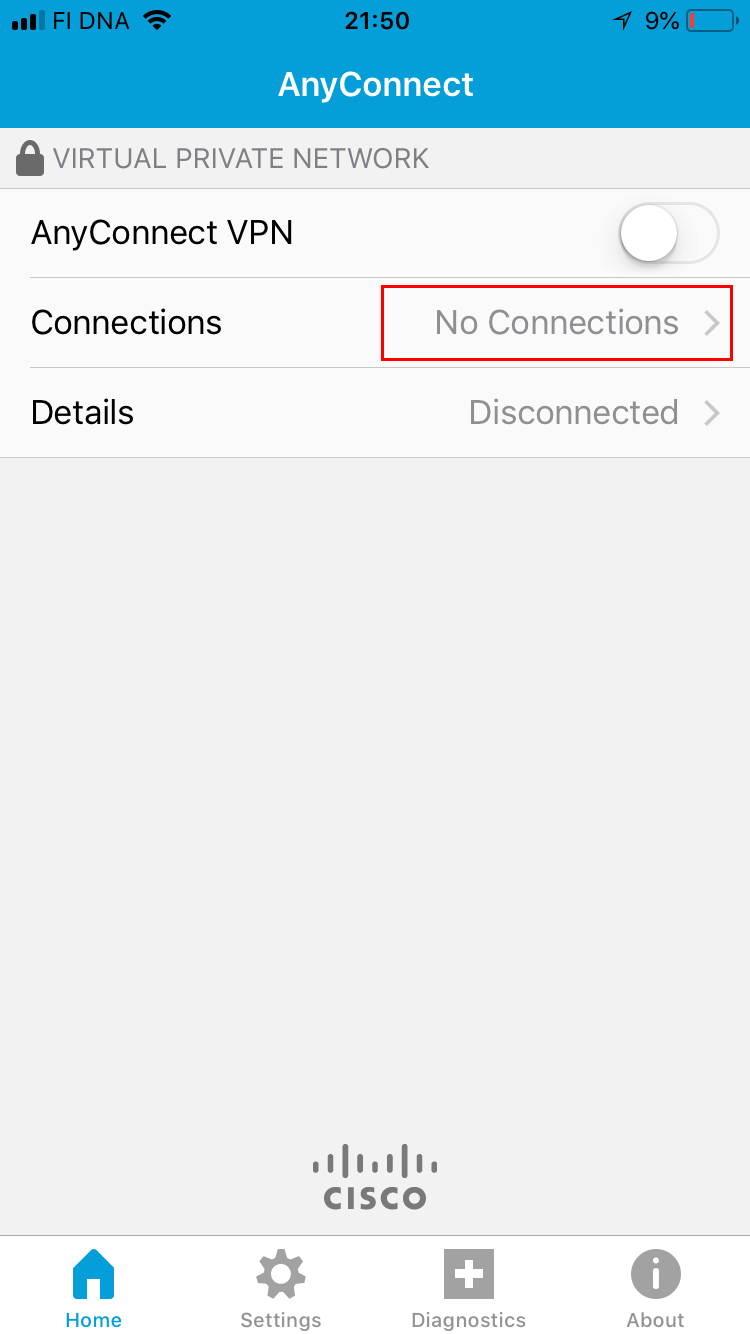
- Run Cisco Anyconnect,press No connection to enter the next step.
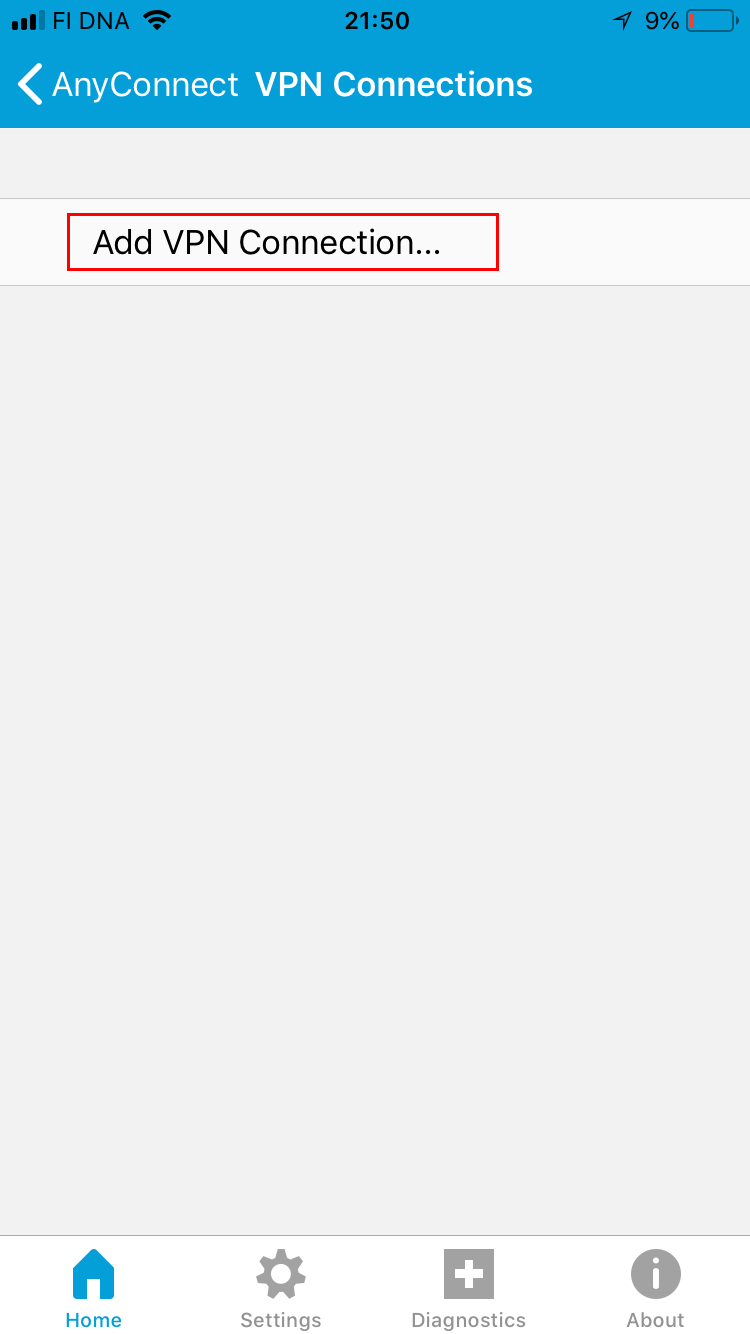
- tap Add VPN Connection
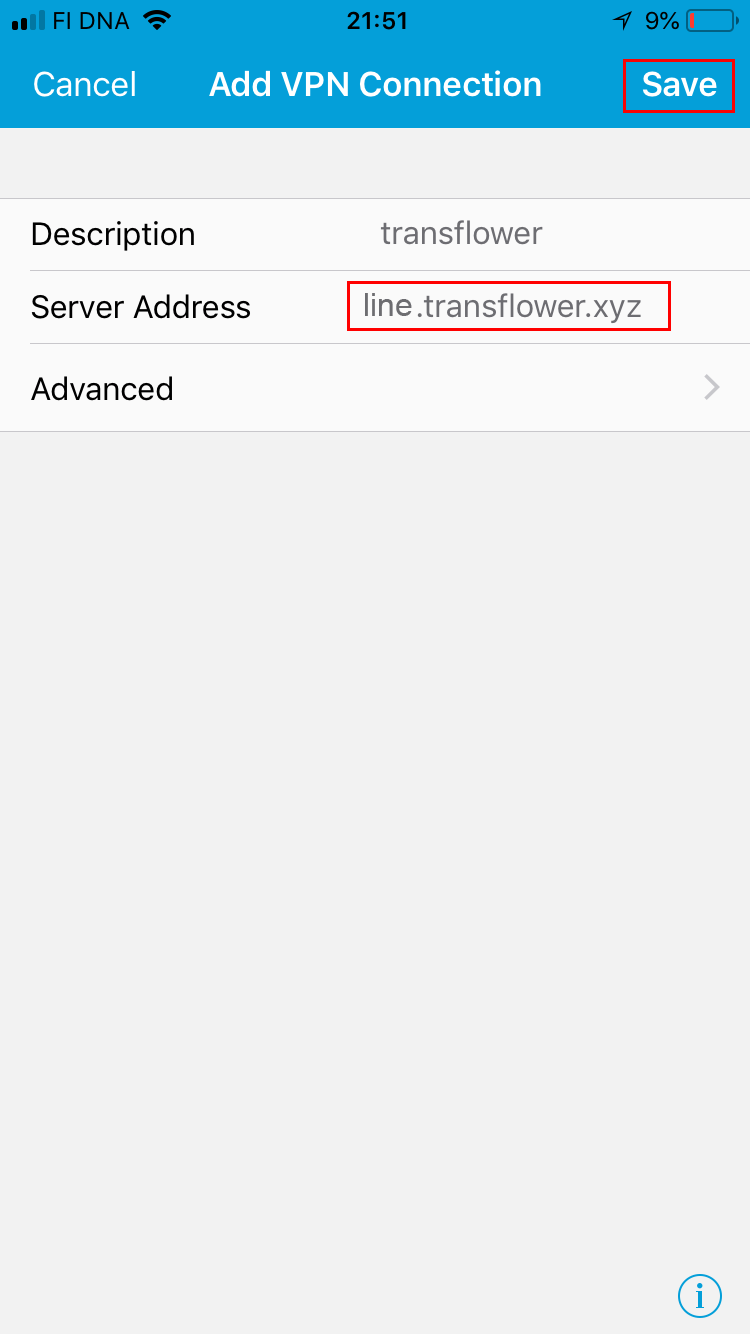
- Fill in the server address with the address you got from your purchased product in Server Address and save
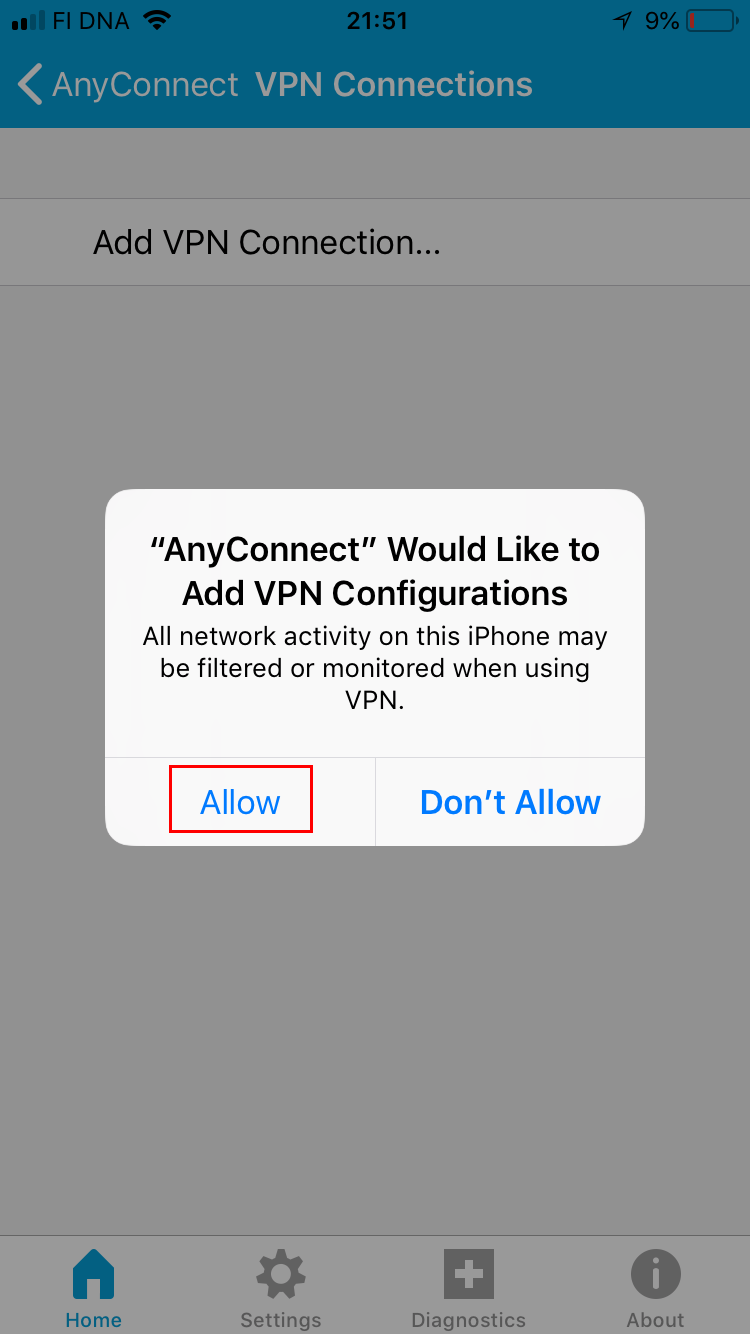
- tap Allow to continue.
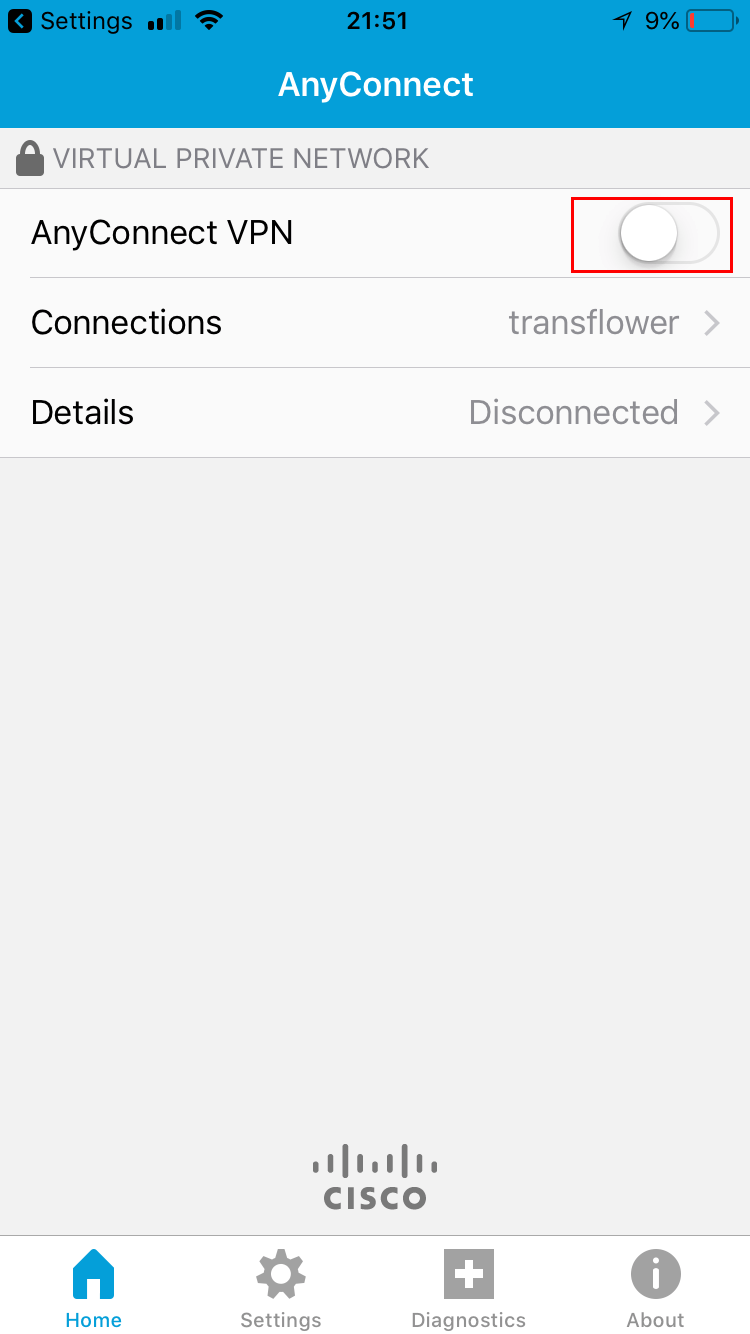
- Slide to connect.
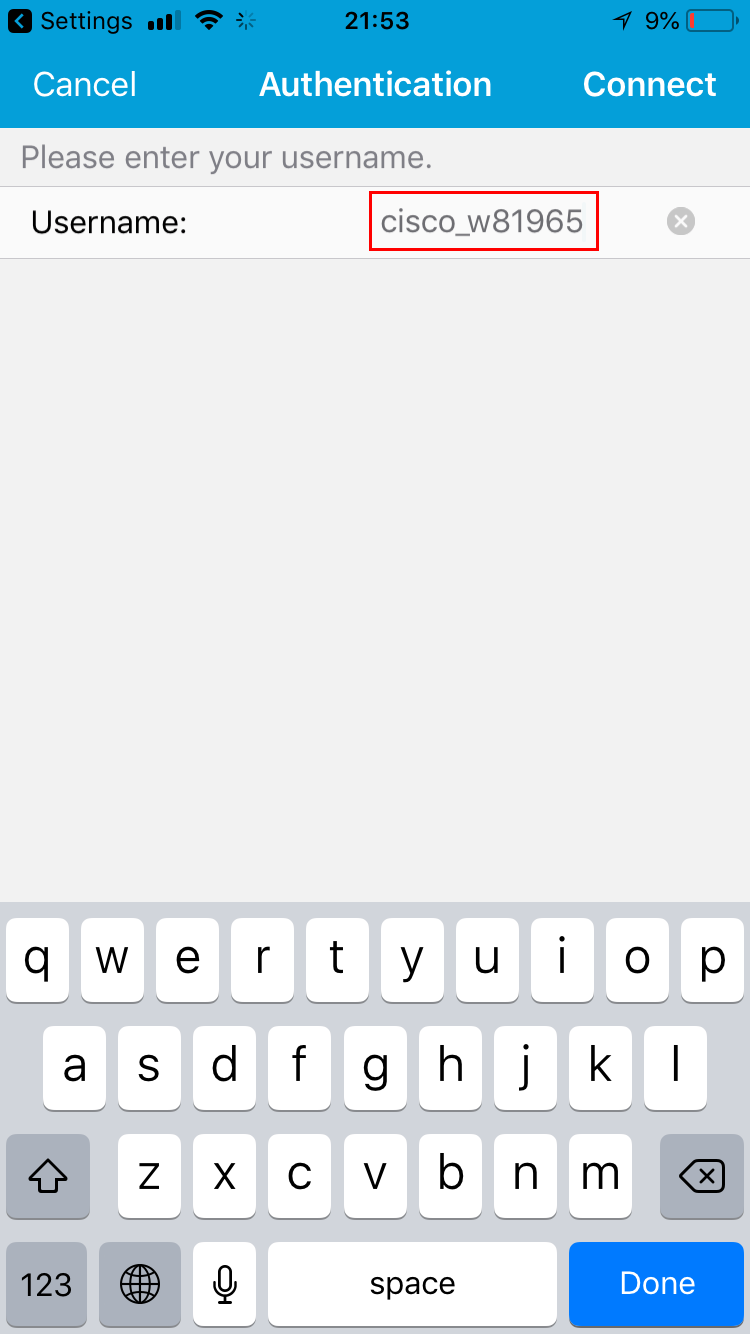
- Fill in the username with the username you got from your purchased product .
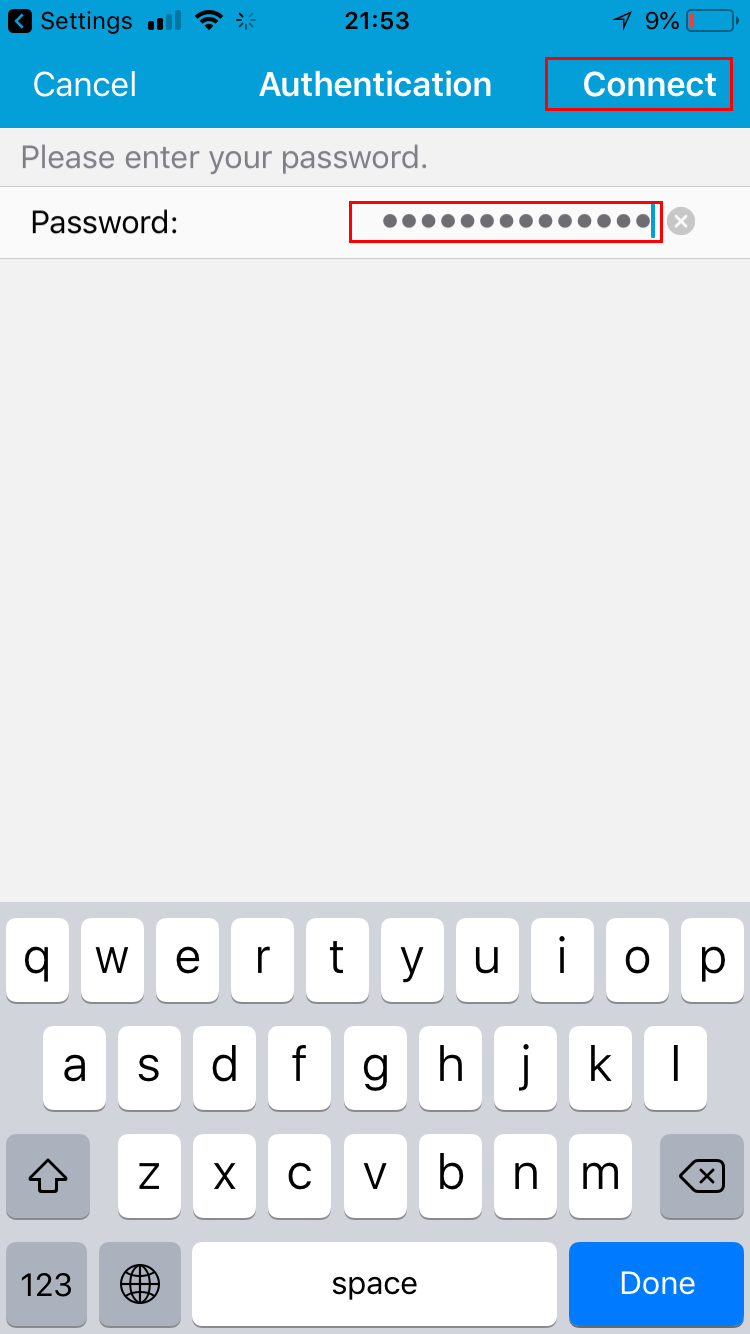
- Fill in the password with the password you got from your purchased product and tap connect.
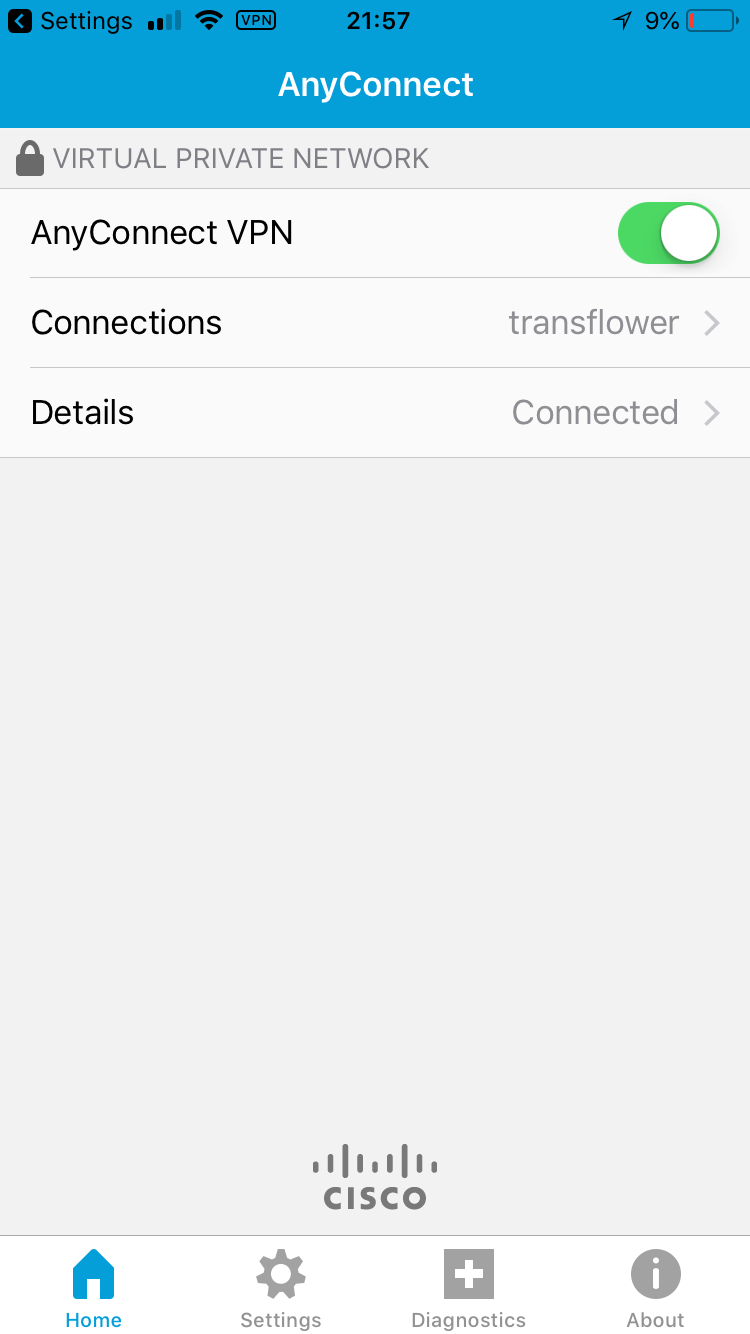
- The connection is successful, and enjoy your exclusive private Internet on your iPhone / iPad.